Is Your Phone Lying? How to Diagnose Hidden Sensor Failures Before They Ruin Your AR Experience
Your phone lies. Not maliciously, but silently. It tells your augmented reality app that it is sitting perfectly flat on a table while, in reality, the internal gyroscope is drifting three degrees to the left every second. You launch an immersive AR experience, place a virtual object, and watch it slide off the surface like it's on ice. The graphics engine is flawless. The code is solid. The culprit? A degraded motion sensor hiding behind a pristine glass screen.
We treat smartphones as monolithic blocks of capability. We assume that if the screen lights up and the OS boots, the hardware suite is intact. That assumption falls apart the moment you rely on precise spatial tracking. Gyroscopes and accelerometers are mechanical systems at their core, often utilizing MEMS (Micro-Electro-Mechanical Systems) technology that suffers from physical wear, thermal stress, and impact damage. When these components begin to fail, they rarely stop working entirely right away. Instead, they degrade. They introduce noise. They drift. They output data that looks plausible until you try to build a stable coordinate system on top of it.
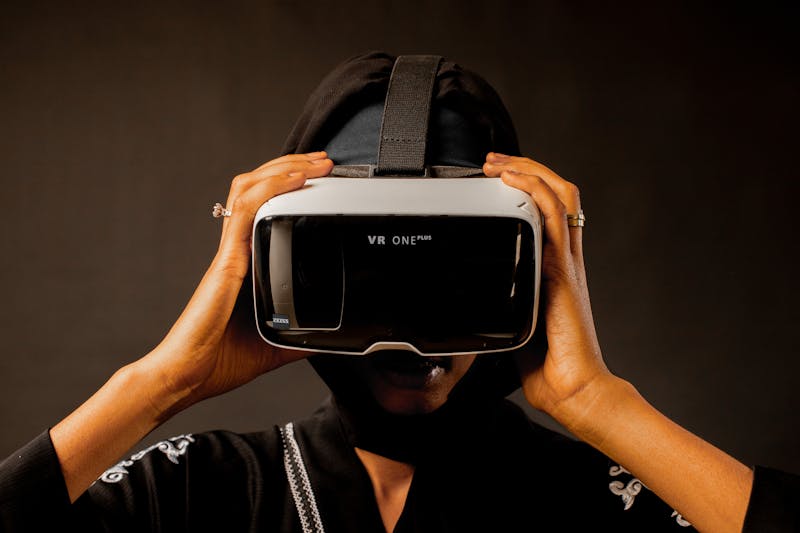
Consider the scenario where a user drops their device. The exterior casing might show no cracks. The touch digitizer responds instantly. Yet, the sudden shock can misalign the microscopic structures inside the accelerometer or fracture the suspension of the gyroscope proof mass. The operating system continues to read values from these damaged components, processing erroneous signals as valid motion data. For a standard messaging app, this discrepancy is invisible. For an AR application relying on six degrees of freedom, it is catastrophic. The virtual anchor points slip. The horizon tilts when the phone is level. The experience breaks because the foundational data stream is corrupted.
Diagnosing this requires moving beyond the standard "shake to undo" test. You need to perform visualization of the raw sensor telemetry. You cannot trust the high-level abstractions the OS provides for screen rotation; those algorithms often apply aggressive smoothing and heuristics to mask minor inconsistencies. To see the truth, you must carry out inspection of the unfiltered data streams. This is where tools like Mobile Sensor Test become indispensable. They allow you to bypass the UI layer and interact directly with the hardware abstraction layer, presenting the real-time X, Y, and Z axis readings without the comforting filter of software correction.
Launch the diagnostic tool and hold the device absolutely still. Place it on a solid surface. Do not touch it. Watch the numbers. In a healthy unit, the gravity vector on the accelerometer should lock onto 9.8 m/s² on one axis while the other two hover near zero, with only microscopic jitter. The gyroscope readings should sit dead at 0.0 rad/s across all axes. If you observe a slow, steady climb in the gyroscope values despite the phone remaining stationary, you are witnessing bias drift. This is the silent killer of AR stability. The software interprets this drift as actual rotation, causing the virtual camera to pan slowly even though your hand isn't moving.
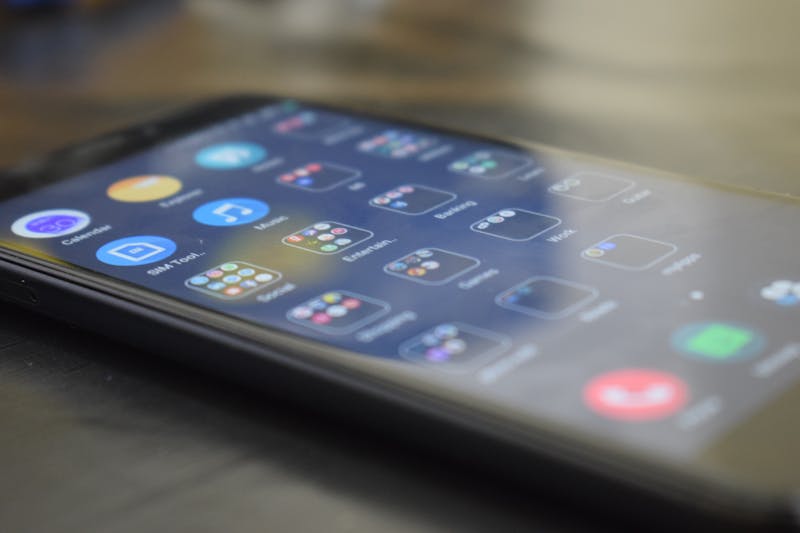
Why does this happen? The underlying reason often ties back to temperature fluctuations or prior physical trauma. MEMS sensors are sensitive to thermal expansion. As the processor heats up during heavy AR rendering, the sensor housing expands slightly, altering the capacitance within the MEMS structure. If the sensor was already compromised by a previous drop, this thermal shift exacerbates the error. The device fails to perform calibration routines effectively because the baseline has shifted too far from the factory defaults. You might notice that the drift worsens after ten minutes of usage. That is not a software bug; that is physics fighting against a damaged component.
Developers often waste hours tweaking code, adjusting smoothing filters, or recalibrating anchor logic when the issue resides in the silicon. Before you refactor your entire motion tracking module, verify the hardware integrity. Use the diagnostic app to rotate the device through all three axes rapidly. Observe the response time. A failing sensor often exhibits latency or "stuttering" in the data stream, where the values jump in discrete steps rather than flowing smoothly. This quantization error suggests that the analog-to-digital conversion process within the sensor hub is struggling, possibly due to power delivery issues or internal damage.
For those inspecting second-hand devices intended for AR development or deployment, this step is non-negotiable. Do not simply check if the screen rotates. That test is too coarse. Perform a rigorous validation of the motion sensitivity. Tilt the phone to exactly 45 degrees. Does the accelerometer report a value consistent with sine(45)? Or does it lag? Does it overshoot? These subtle deviations indicate that the sensor is no longer well-suited for precision tasks. A buyer might accept a slightly wobbly compass for navigation, but an AR developer cannot compromise on gyroscopic accuracy. The entire spatial mapping algorithm depends on it.

There is also the matter of cross-axis sensitivity. In a perfect world, moving the phone strictly along the X-axis should not generate any signal on the Y or Z axes. In damaged units, mechanical deformation causes coupling. Push the phone forward and watch the side-to-side metrics spike. This crosstalk confuses sensor fusion algorithms, which attempt to merge gyroscope and accelerometer data to estimate orientation. When the inputs contradict each other due to hardware faults, the fusion filter diverges. The result is that jarring moment in an AR game where the floor suddenly tilts ninety degrees, dumping your virtual furniture into the abyss.
Some users attempt to resolve this by clearing cache or resetting settings. This approach addresses software state, not physical reality. No amount of rebooting will repair a fractured MEMS beam. If the diagnostic tools reveal significant drift, high noise floors, or unresponsive axes, the only viable path is hardware replacement. Recognizing this early saves immense frustration. It prevents you from chasing ghosts in your codebase. It allows you to make an informed decision: repair the unit or retire it from high-precision duties.
The next time your AR projection slides off the table, do not blame the framework. Blame the invisible hero that took a hit six months ago and has been limping along ever since. Carry out a deep dive into the sensor metrics. Visualize the raw data. Trust the numbers, not the interface. Your phone might be lying to keep you comfortable, but your AR experience demands the brutal truth. Only by leveraging these diagnostic capabilities can you ensure that the digital objects you place remain anchored in the real world, exactly where they belong.
Prêt à tester vos paramètres ? Juste secondes.
Outils recommandés
Test GPS & Précision de Localisation
Obtenez vos coordonnées géographiques actuelles. Testez la précision du GPS et de la localisation IP (latitude, longitude, altitude).
Test de Microphone en ligne - Vérification Audio & Enregistrement
Testez votre micro gratuitement en ligne. Détectez le son, l'écho et le bruit de fond. Visualisation des ondes en temps réel et réécoute sans logiciel.
Test Pixels Morts & Fuites de Lumière
Utilisez des fonds unis et des mires pour repérer les pixels morts, les pixels chauds et les fuites de lumière (IPS glow). Indispensable pour les écrans neufs.
Test Webcam en ligne - Vérification Vidéo
Vérifiez rapidement le fonctionnement de votre caméra. Testez la netteté, la résolution et la mise au point. Idéal avant une réunion Zoom ou Teams.
Capteurs Mobiles - Gyroscope & Accéléromètre
Diagnostic complet des capteurs de votre smartphone. Lisez en temps réel les données du gyroscope, de l'accéléromètre et de l'orientation.
Test Écran Tactile & Multi-touch
Outil pro pour écrans tactiles. Vérifiez le nombre de points de contact simultanés, la réactivité, et détectez les zones mortes ou les problèmes de tactile.